- Products & services Products & services
- Resources ResourcesCustomer resources
- Customer resources
- Customer support Find more information about engaging support and get help
- Services guide Find more information about working with Services teams
- Free resources Leverage our free tools and trainings
- Modernize to Identity Security Cloud Transition to the cloud for advanced capabilities and a future-ready security posture
Learning- Learning
- Identity University Get technical training to ensure a successful implementation
- SailPoint professional certifications & credentials Advance your career or validate your identity security knowledge
- SailPoint recertification program Get recertified by demonstrating ongoing learning
- Training onboarding guide Make of the most of training with our step-by-step guide
- Training FAQs Find answers to common training questions
- Community Community
- Compass
- :
- Discuss
- :
- Community Wiki
- :
- IdentityIQ Wiki
- :
- Test connection for all applications via IIQ Console
Test connection for all applications via IIQ Console
Test connection for all applications via IIQ Console
There are many troubleshooting scenarios where an administrator will need to verify that the IdentityIQ application is able to communicate to remote applications. Traditionally, this test has been performed via the 'Test Connection' button within the Application Definition UI.
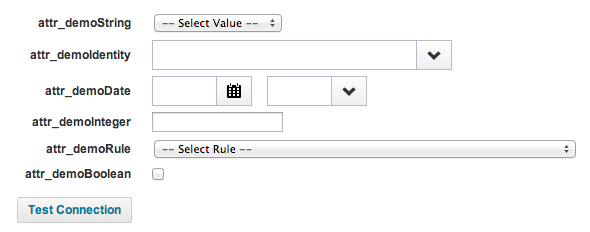
When an environment contains a great many applications and there is a concern that one or more may not be responsive, the UI Test Connection mechanism can be an onerous trial-and-error process. Fortunately, the IIQ Console provides an analogous mechanism that accepts this syntax:
> conn [application name] test
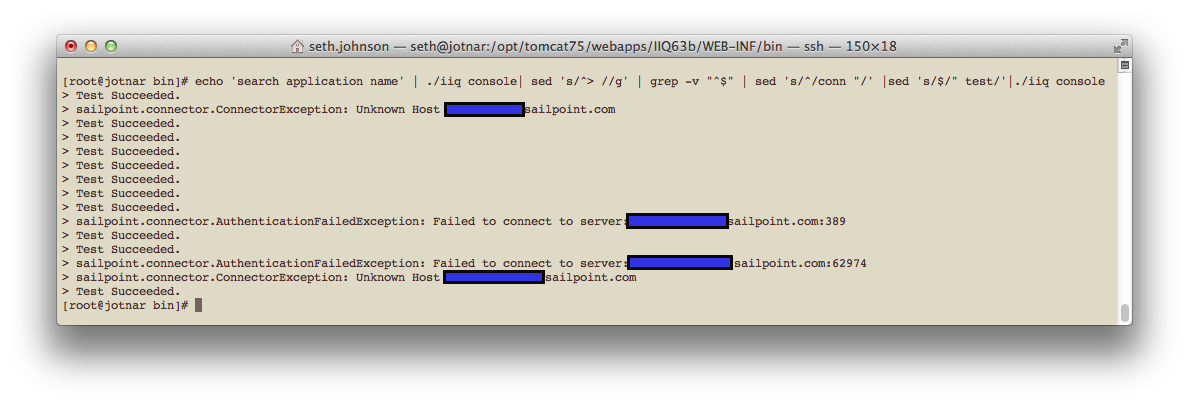
In order to perform a comprehensive survey of all configured applications' responsiveness, you can use the following syntax to run a global Test Connection:
# echo 'search application name' | ./iiq console| sed 's/^> //g' | grep -v "^$" | sed 's/^/conn "/' |sed 's/$/" test/'|./iiq console
The results will not be labelled, but you can run the first command 'search application name' within IIQ Console to see the mapping of results to application names.